
An unresponsive USB port can be annoying. Here's how to fix it easily with simple but effective steps.
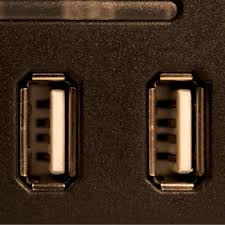
1. Check Hardware and Clean Port USB
USB ports often get dusty, blocking the connection. Use a soft brush or compressed air to clean it.
2. Change the Cable or Device USB
Try another USB cable or device. This way you will know if the problem is in the port or in the connected accessory.
3. Restart the Computer
Turn your computer completely off and then on again. This may resolve temporary system failures.
4. Check the Device Manager
Open the «Device Manager» and look for “Universal Serial Bus Controllers”. If there is a yellow icon, update the driver.
5. Update USB Drivers
Visit your computer manufacturer's website and download the latest drivers for the ports.
6. Disable Selective USB Suspension
In the power options, disable this function. Sometimes, your computer turns off the ports to save power.
7. Test a Bootable Operating System
Use an operating system (such as live Linux). If the port works, the problem is with the host operating system.
8. Check Internally (if you know how)
If you are experienced, open the case and check if the port is loose or disconnected from the motherboard.
9. Consultation with a Professional
If after following these steps the problem persists, it is possible that your port has more serious physical damage. In that case, it is best to take your computer to a specialized technician for a proper evaluation and repair. Keep your ports clean and regularly check the drivers to avoid future problems.
Learn more http://Datasystem.es or in https://repararmac.eu/wp-admin/post.php?post=3661&action=edit