
Apple launched the Apple Pencil a few years ago, a smart pen that connects via Bluetooth to the latest generation of iPads. This device allows you to write in a natural way, as if it were freehand, which facilitates tasks such as drawing or taking notes. In this article, we introduce you to some essential apps to get the most out of your Apple Pencil on iPad.
Notability
Notability is one of the most popular note-taking applications. It allows you to write both by hand with the Apple Pencil as well as using the keyboard of your iPad. In addition, you can record audio, add images and graphics, and save everything in PDF format. This app makes it easy to organize your thoughts quickly and efficiently. It is ideal for students and professionals who need to combine text and multimedia content.

Apple Notes
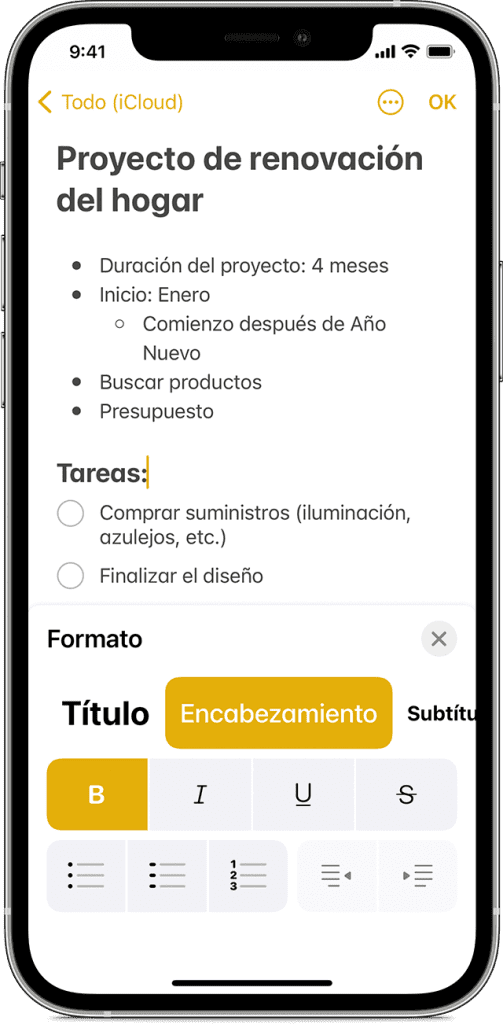
Apple Notes is the default iPadOS app and a free option for taking notes. You can write with the Apple Pencil or with the keyboard, and everything is automatically synchronized with iCloud. This app allows you to add images, links and drawings to your notes. In addition, you can convert your handwriting into digital text, which improves readability. With tools to change line thickness, color and opacity, you can easily customize your notes.
Procreate
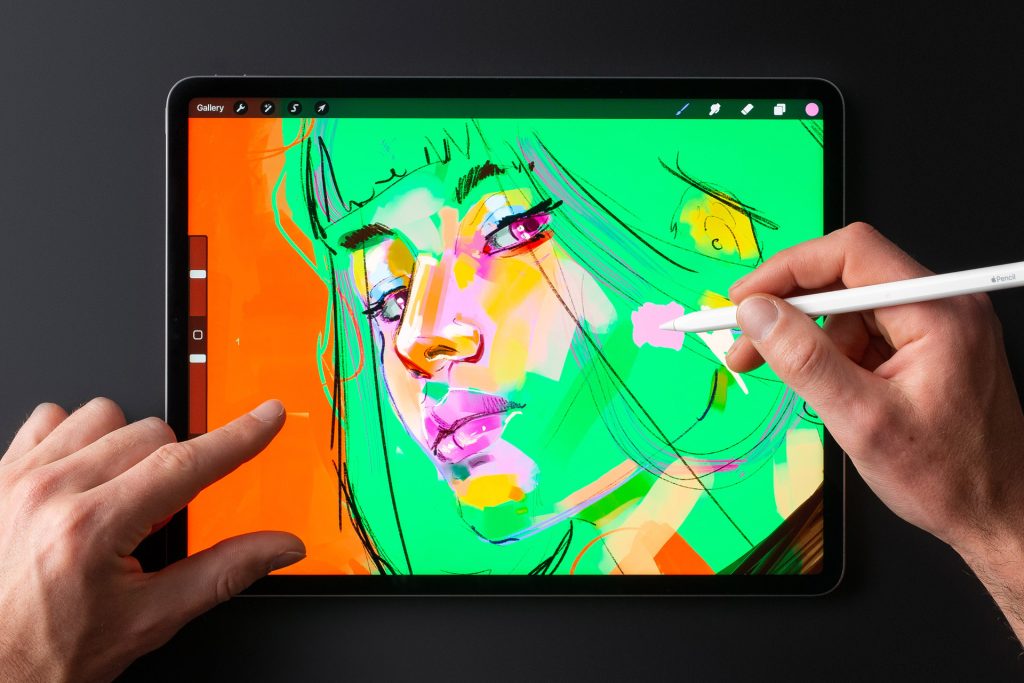
Procreate is an application designed for lovers of digital drawing and painting. Thanks to the Apple Pencil, With Procreate, you can create artwork with a very realistic tactile feel. Procreate is easy to use, with an initial tutorial that guides you step-by-step through its functions. You can start projects from scratch or modify existing images. In addition, you can save your drawings and resume them at any time. The application also allows you to share your creations via email or messaging applications.
Adobe Fresco
Adobe Fresco is an application designed by Adobe to create digital drawings and paintings on the iPad, using the Apple Pencil. To use it, you must download it from the App Store and sign in with your Adobe account. The application offers a handy toolbar on the left side, with a wide variety of brushes and drawing tools. Its interface is simple and intuitive, making it easy to create art. Adobe Fresco is available free of charge, but offers a monthly subscription of 10,99 euros per month to access additional features.

Source: tomshw
Learn more http://Datasystem.es or in https://repararmac.eu/wp-admin/post.php?post=3661&action=edit