
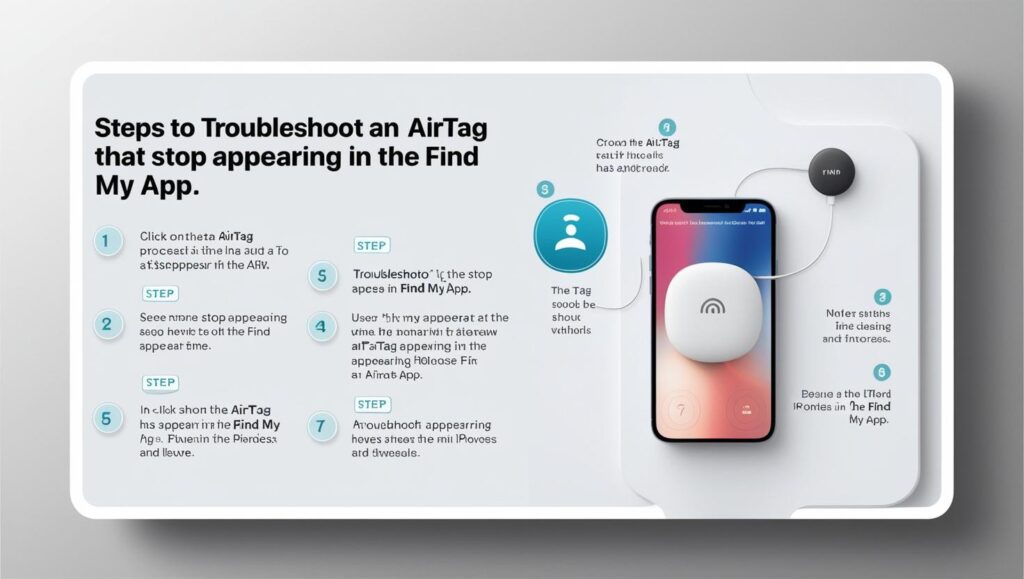
If your AirTag stops appearing in the Search application, here are some actions you can take to fix it:
1. Check your iPhone connection
- Make sure that the Bluetooth connection is activated:
Go to Settings > Bluetooth and check that it is turned on. - Check your Internet connection:
Make sure you are connected to a WiFi network or have mobile data activated. - Restart your cell phone to avoid temporary connectivity problems.
2. Check the AirTag's battery condition.
- If the AirTag has been in operation for some time, the battery may be depleted.
- In order to repair the battery:
- Turn the metal cover counterclockwise.
- Replace the old battery and incorporate a new one (CR2032).
- Replace the cover and make sure that it fits properly.
3. Check if the AirTag is linked correctly.
- Open the Search application and check if the AirTag appears in the objects tab.
- If it does not appear, try restart the AirTag:
- Remove the battery and wait a few seconds.
- Insert the battery again until you hear a sound.
- Remove the battery 4 more times and listen to the sound each time.
- After the fifth beep, your AirTag will be restarting.
4. Unlink and re-link the AirTag.
- If it does not appear, unlink it from your Apple ID:
- Open the application Search.
- Select the AirTag device (if present).
- Play in Delete object and confirm with your iCloud password.
- To reconfigure it:
- Move the Tag closer to the iPhone.
- Follow the on-screen instructions to link it again.
5. Check your Apple ID restrictions
- Make sure your account is not locked to add devices.
- Verify that you have not reached the limit of devices linked to your Apple ID.
6. Contact Apple Technical Support
If the above steps do not work:
- Call Apple support or visit an Apple Store.
- Bring the device and your iPhone for further diagnosis.
Learn more http://Datasystem.es or in https://repararmac.eu/wp-admin/post.php?post=3661&action=edit