
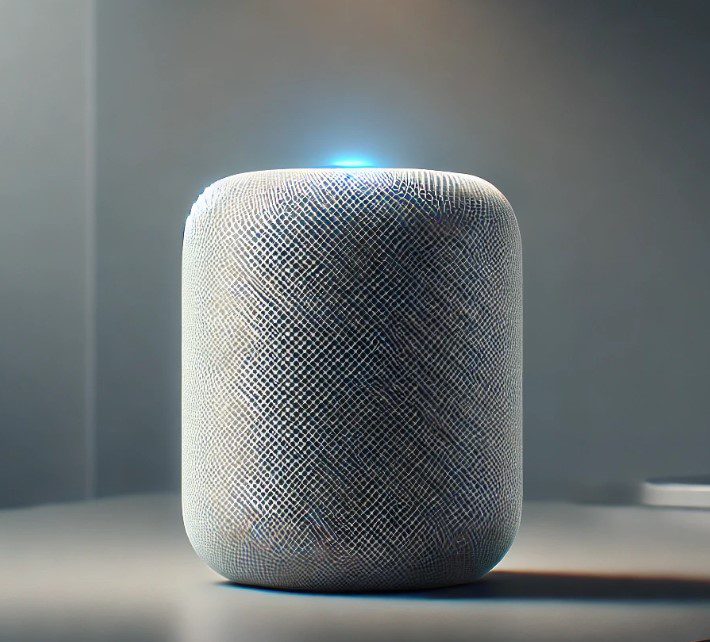
HomePod is more than just a speaker. If you have an Apple TV, you can use it to enjoy theater-like surround sound. Here's how to do it easily.
1. What do you need to get started?
Basic requirements
To use your HomePod as a sound system, you need an Apple TV 4K and at least one HomePod. If you have two devices, you can set up stereo sound. It is also important that both devices are up to date with the latest software version.
2. Set the HomePod as the default speaker.
Step by step to the perfect sound
First, turn on your Apple TV and HomePod. Then, on Apple TV, go to Configuration > Video and audio > Default audio output. There select your HomePod. This will automatically route all audio from the Apple TV through them.
3. Pair two HomePod devices for stereo sound.
Enhance your audio experience
If you have two of the same HomePods, you can pair them to create a more immersive sound. Go to the Home app on your iPhone, select one of the devices and choose the option to pair. Make sure they are in the same virtual room to work together.
4. Enable Dolby Atmos Surround Sound
Feel the cinema at home
If your Apple TV supports Dolby Atmos, you can enable it for an even more immersive experience. Go to Configuration > Video and audio > Audio format and select Dolby Atmos. Your HomePods will recreate spectacular three-dimensional sound.
5. Adjust the position of the HomePod
Place them strategically
For the best surround sound, place the devices at the same height as your ears when seated. If you use two devices, make sure they are at a similar distance from where you are sitting so that the sound is balanced.
6. Use AirPlay for more devices
Add other compatible speakers
Want to include more speakers? Use AirPlay to connect other compatible devices and expand your sound system throughout the room.
Conclusion
Transform your space into a home theater
With a few simple steps, your device can become the best ally of your Apple TV. From setting up stereo sound to activating Dolby Atmos, this combination will make your favorite movies and series even more exciting - enjoy an immersive experience like never before!
Learn more http://Datasystem.es or in https://repararmac.eu/wp-admin/post.php?post=3661&action=edit