
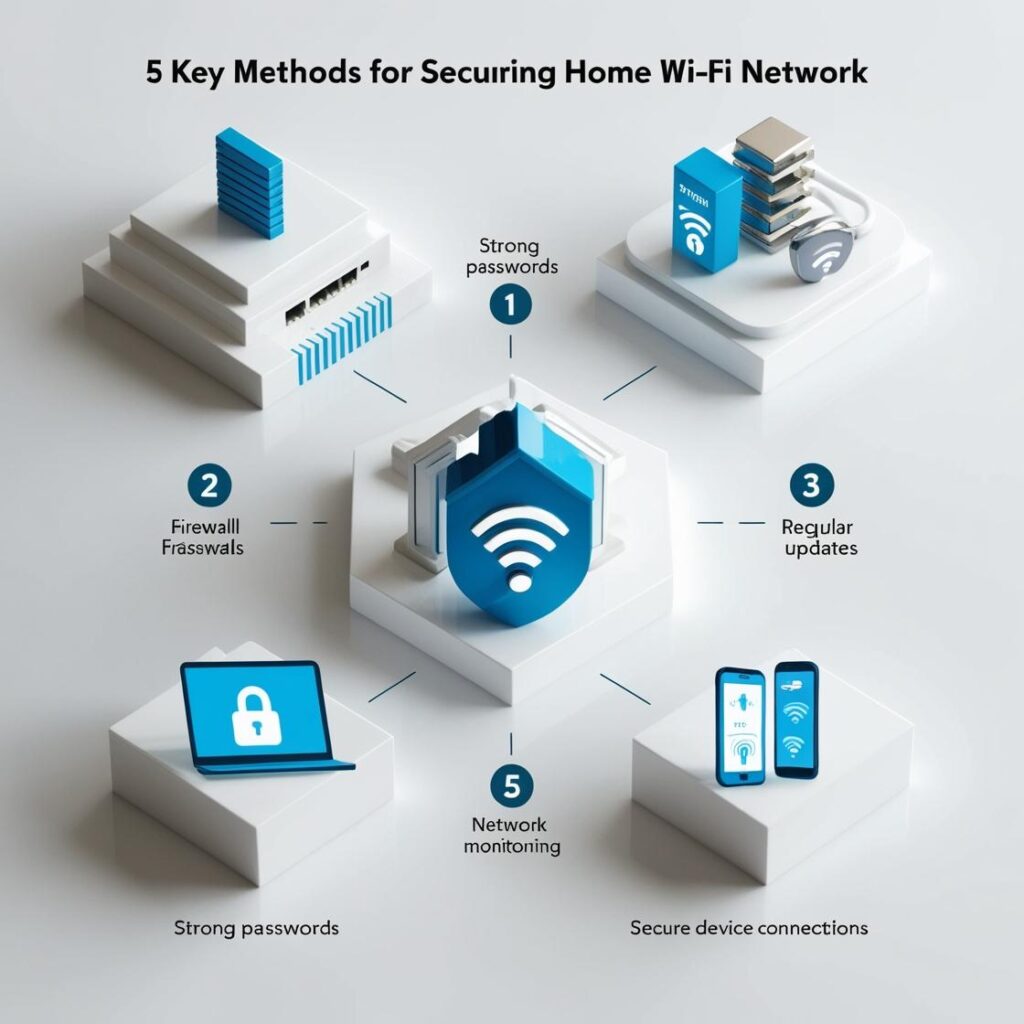
Protecting your home WiFi network is essential to prevent unauthorized access, protect your devices, and secure your personal data. Follow these five tips to keep your network secure:
1. Change the default credentials
First, you must change the username and password on your computer.
Recommendations:
- Use a strong password: combine letters, numbers, and symbols.
- You can change the SSID (network name) to one that does not provide personal information or the computer model.
2. Enable security encryption
Configure your WiFi network to use WPA3 encryption or, if unavailable, WPA2. This prevents connections from being intercepted.
Avoid: Using outdated encryption such as WEP, as it is easy to breach.
3. Update your router's firmware regularly
Manufacturers release firmware updates to address security vulnerabilities. Be sure to install these updates regularly.
- Refer to the manufacturer's instructions to perform updates.
- Some modern routers offer the option of automatic updates.
4. Disable unnecessary features
- WPS (Wi-Fi Protected Setup) must be disabled: although practical, it can be a security obstacle.
- Turn off the guest network if you don't use it, or set a different password.
- Limit remote access to the router, unless you specifically need it.
5. Monitor connected devices
Access your router's administration panel to check which devices are connected. If you find anything suspicious:
- Change your password immediately.
- Configure a list of devices compatible with MAC access control.
Consider using a virtual private network (VPN) to encrypt your traffic, especially if you have connected IoT devices. With these measures, your internet connection will be more secure and protected against cyber threats.
Learn more http://Datasystem.es or in https://repararmac.eu/wp-admin/post.php?post=3661&action=edit