
If you have purchased a AirTag Apple and don't know where to start, you're in the right place. In this article, we'll show you how to Set up your AirTag from scratch and quickly connect it to your Apple device. It's a simple and quick process, ideal for you to start enjoying the benefits of this object tracker.
1. Prepare your AirTag for setup
Before you begin, ensure that your AirTag out of its packaging. Remove the protective plastic from the battery to activate it. When you do this, you will hear a sound indicating that the AirTag is turned on and ready to connect.
2. Open the «Search» app on your iPhone.
To link your AirTag, you need an Apple device, such as an iPhone or iPad, running iOS 14.5 or later. Open the app. Search on your iPhone. If you can't find it, you can search for it on the home screen.
3. Pair the AirTag with your iPhone
Once you open the application Search, Bring the AirTag close to your iPhone. You will see a notification indicating that a AirTag is nearby and ready to be set up. Tap «Connect» and follow the on-screen instructions.
4. Pair the AirTag with your Apple ID
The next step is to pair the AirTag with your Apple ID. This will allow you to track the AirTag in the app. Search and make sure that only you can see its location. Choose a name for the AirTag (such as «My Keys» or «Backpack») and tap «Done.» That's it! The AirTag is now linked to your account.
5. Attach the AirTag to the item you want to track.
Now that you have configured your AirTag, you can attach it to the item you want to track. You can put it on a key ring, stick it to a backpack, or store it in anything else you need to locate. Make sure the AirTag is securely attached so it doesn't get lost.
6. How to track your AirTag
To track your AirTag, just open the app Search on your iPhone. Here you can see the location of your AirTag on a map. If it's nearby, you can also make it play a sound to help you find it more easily.
7. Security and privacy features
One of the strengths of the AirTag is your commitment to privacy. If someone finds your AirTag, they can scan it with a phone and see a message with your contact information. In addition, if an unknown AirTag is near you for an extended period of time, your iPhone will alert you to prevent unwanted tracking.
8. AirTag battery and maintenance
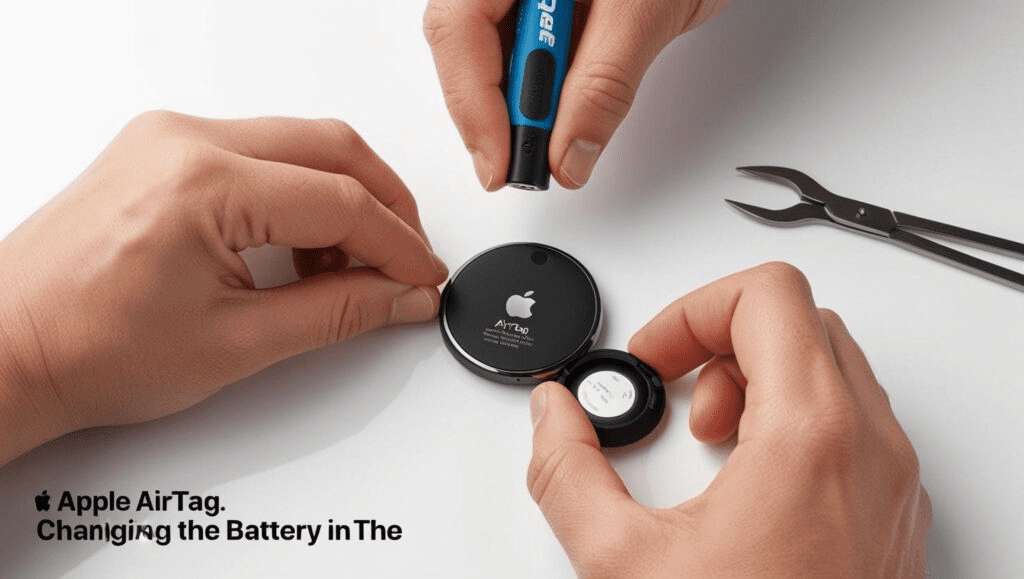
The AirTag has a battery CR2032 which lasts about a year. You can easily replace it when necessary. Just remove the back of the AirTag and replace the battery with a new one.
Conclusion
Set up and link a AirTag to your Apple device is a quick and easy process. With these simple steps, you can start tracking your items right away and enjoy the convenience and security offered by the ecosystem. Find My from Apple. Don't wait any longer and try out your AirTag today!
Learn more http://Datasystem.es or in https://repararmac.eu/wp-admin/post.php?post=3661&action=edit