
How to safely and quickly replace your AirTag battery
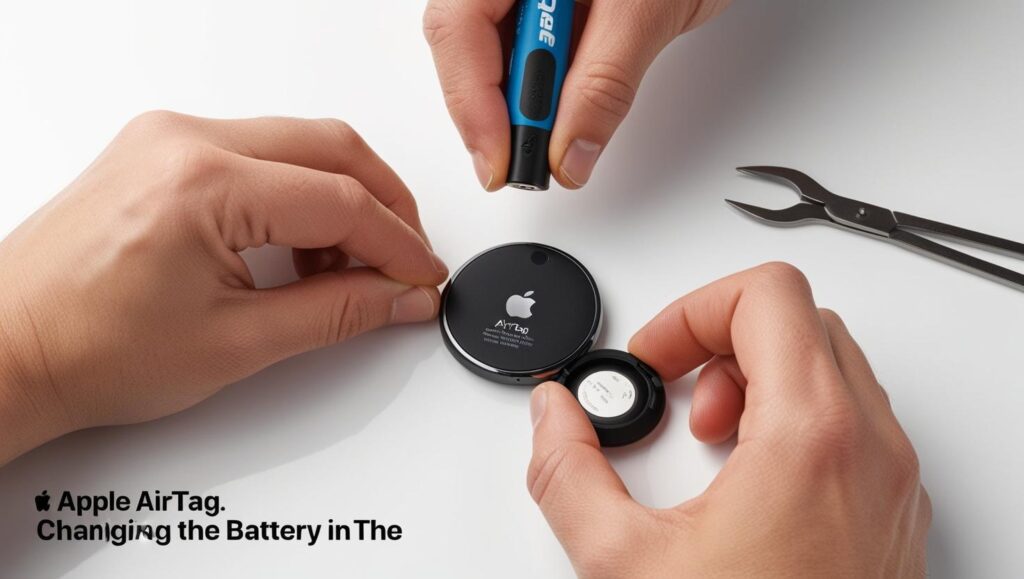
Changing the battery in your AirTag is a simple procedure and does not require any special assistance. Follow these steps to ensure a safe and effective replacement.
Materials needed
- One CR2032 button battery (without bitter-tasting safety coating).
Steps for change AirTag battery
- Set up your AirTag
- Ensure it is clean and dry before you begin. If it is dirty, gently wipe it with a dry cloth.
- Open the AirTag
- Place the Apple logo facing down.
- Press the metal cover (back) with your fingers and turn it counterclockwise until it comes off.
- Remove the back cover and place it in a safe place.
- Remove the old battery
- Carefully remove the used battery and dispose of it in a suitable recycling container.
- Insert the new battery
- Verify that the new battery is compatible (CR2032 without bitter coating).
- Insert the new battery with the positive (+) side facing up. You should hear a sound indicating that it is working.
- Close the AirTag
- Place the back cover on the AirTag and align it with the initial markings.
- Press down a little harder and turn the cap clockwise until it is properly closed.
- Check operation
- Ensure that the Tag is working while checking your connection in the «Find» app on your mobile phone. If it does not appear, ensure that the battery is properly positioned.
Additional tips
- Purchase high-quality batteries to ensure long life and prevent damage to the device.
- Replace the battery when the battery level is low.
Learn more http://Datasystem.es or in https://repararmac.eu/wp-admin/post.php?post=3661&action=edit