
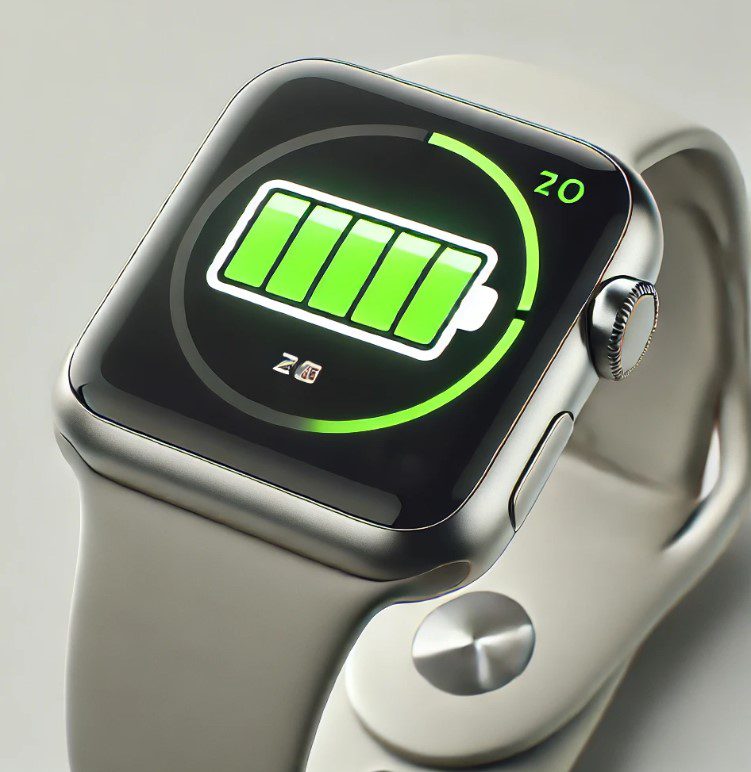
The Apple Watch is a great tool, but its battery can drain quickly if you don't use it correctly. Here are some simple tips to make it last longer.
1. Adjust the brightness of the display
Reduces brightness and saves energy
The screen is one of the things that uses the most battery. Go to Configuration and lower the brightness to a comfortable level for your eyes. You can also activate the Always Off if your model has it.
2. Disable functions you do not use that consume Battery
Turn off the unnecessary
If you don't need GPS, Bluetooth or Wi-Fi, turn them off. These tools consume a lot of power, even if you don't use them constantly.
3. Use the energy saving mode of Battery
A lifesaver for the battery
When you see that your battery is low, activate the Energy Saving Mode. This will stop some functions such as heartbeat, but will make it last longer.
4. Update your Apple Watch
Keep software up to date
Make sure you always have the latest version of the operating system. Updates often include improvements that help make the battery more efficient.
5. Control notifications
Fewer alerts, more battery
Do you get a lot of alerts on your watch? Every time it vibrates or the screen lights up, it wastes energy. Adjust which notifications you really need in the app on your iPhone.
6. Reduces visual effects
Choose simplicity to save energy
Animations and dynamic backgrounds are nice, but they are also energy consuming. Switch to a simpler background and disable unnecessary movements.
7. Take care how you charge the battery
Load with intelligence
Do not charge the 100% all the time or let it discharge completely. Ideally, keep the charge between 20% and 80% to extend its life.
8. Use smart straps
An accessory with an advantage
If you like accessories, look for straps that include built-in batteries. That way you'll have a little extra power when you need it most.
9. Avoid extreme heat harmful to the battery
Protect your watch from heat
Do not leave your watch in the sun or near heat sources. Very high temperatures damage it and cause it to degrade faster.
10. Close the apps you don't use
Turn off what you don't need
Do you have a lot of apps open? Close them. Even if you don't notice, they consume power in the background.
Conclusion
Take care of your Apple Watch and wear it longer
Taking care of your Apple Watch battery is not complicated, but it does require attention. With these easy-to-follow tips, your watch will be able to last more hours without needing a charge - give it the care it deserves!
Learn more http://Datasystem.es or in https://repararmac.eu/wp-admin/post.php?post=3661&action=edit