
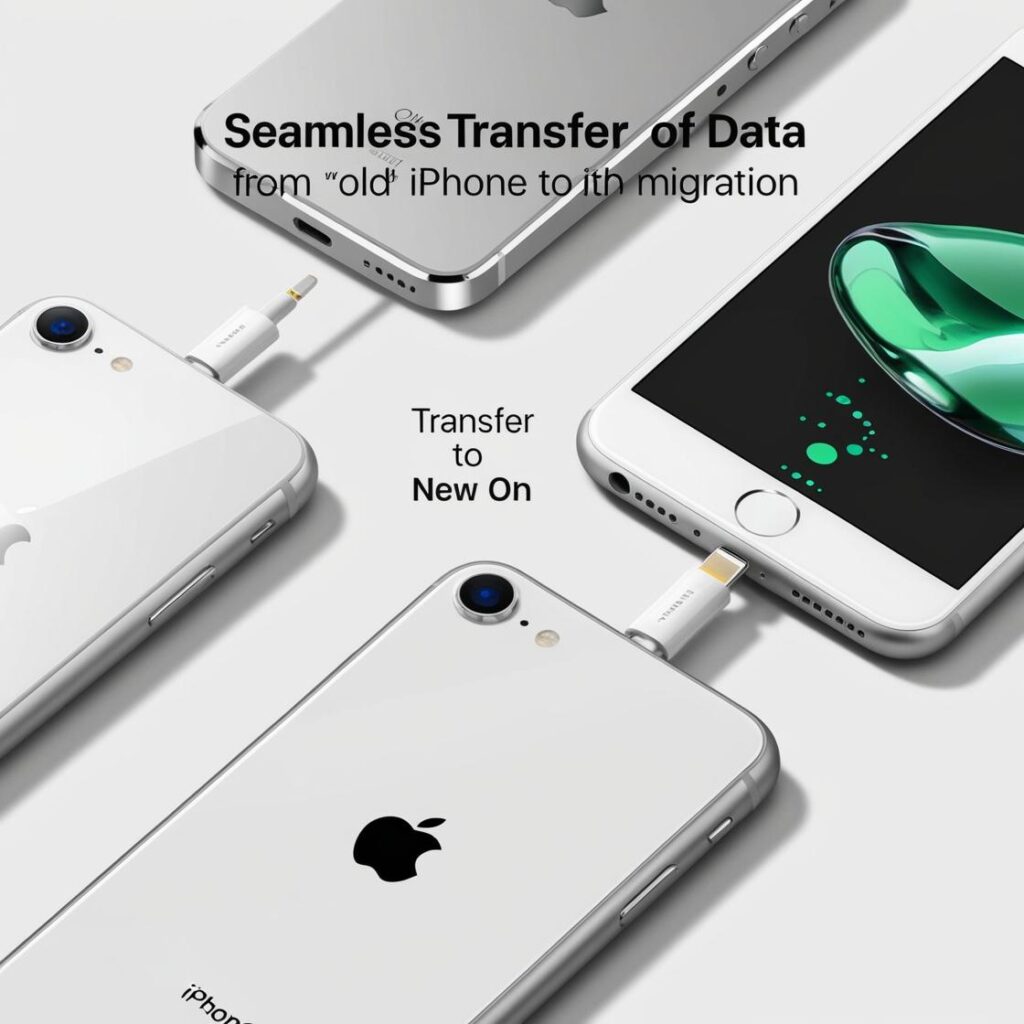
Transferring data from an old phone to a new one is a simple procedure due to the tools Apple offers. Below, you will find several options to do it with ease:
1. Direct transfer with Quick Start
Apple provides the ability to transfer data directly from one cell phone to another. Both devices are required to have a WiFi connection.
Steps:
- Place both iPhones together: Turn on the new iPhone and place it near the old one.
- Use Quick Start: A message will appear on the old Apple device for the purpose of configuring the new device.
- Scan the code: Use the camera of the old cell phone to scan the pattern on the new one.
- Choose direct transfer: Select the option to transfer information from the old cell phone to the new cell phone.
- Wait for it to finish: This process may take longer depending on the volume of data.
Prerequisite: Both iPhones must have iOS 12.4 or later.
2. Using a backup in iCloud.
If you prefer to use iCloud, make sure you have backed up your old iPhone.
Steps:
- Back up to iCloud:
- Go to Settings > [your name] > iCloud > iCloud Backup.
- Click on «Establish a backup at this time».
- Set up the new iPhone:
- Turn it on and follow the indicated steps.
- When prompted, select Restore from iCloud backup.
- Log in with your Apple ID and select the latest backup.
- Wait for it to finish: All data, settings and applications will be downloaded.
3. Using a backup on Mac or PC
If you prefer a wired transfer, use a computer.
Steps:
- Backup on the computer:
- Connect the old iPhone to the computer.
- Finder (Macintosh with MacOS Catalina or later) or iTunes (Macintosh with earlier versions or PC) is recommended.
- Select Back up now. Make sure the backup is encrypted with passwords and health data.
- Set up the new iPhone:
- It is connected to the computer.
- Select Restore the backup and choose the backup you have generated.
4. Transfer with a Lightning cable
If you have a Lightning to Lightning cable, you can connect both devices directly to speed up the process.
Additional tips:
- Check the storage: Make sure the new iPhone has enough space for data.
- Update iOS: Keep both devices up to date to avoid problems.
- Check the synchronization: Data in iCloud (photos, contacts, notes, etc.) will automatically sync if you sign in with your Apple ID.
Learn more http://Datasystem.es or in https://repararmac.eu/wp-admin/post.php?post=3661&action=edit