
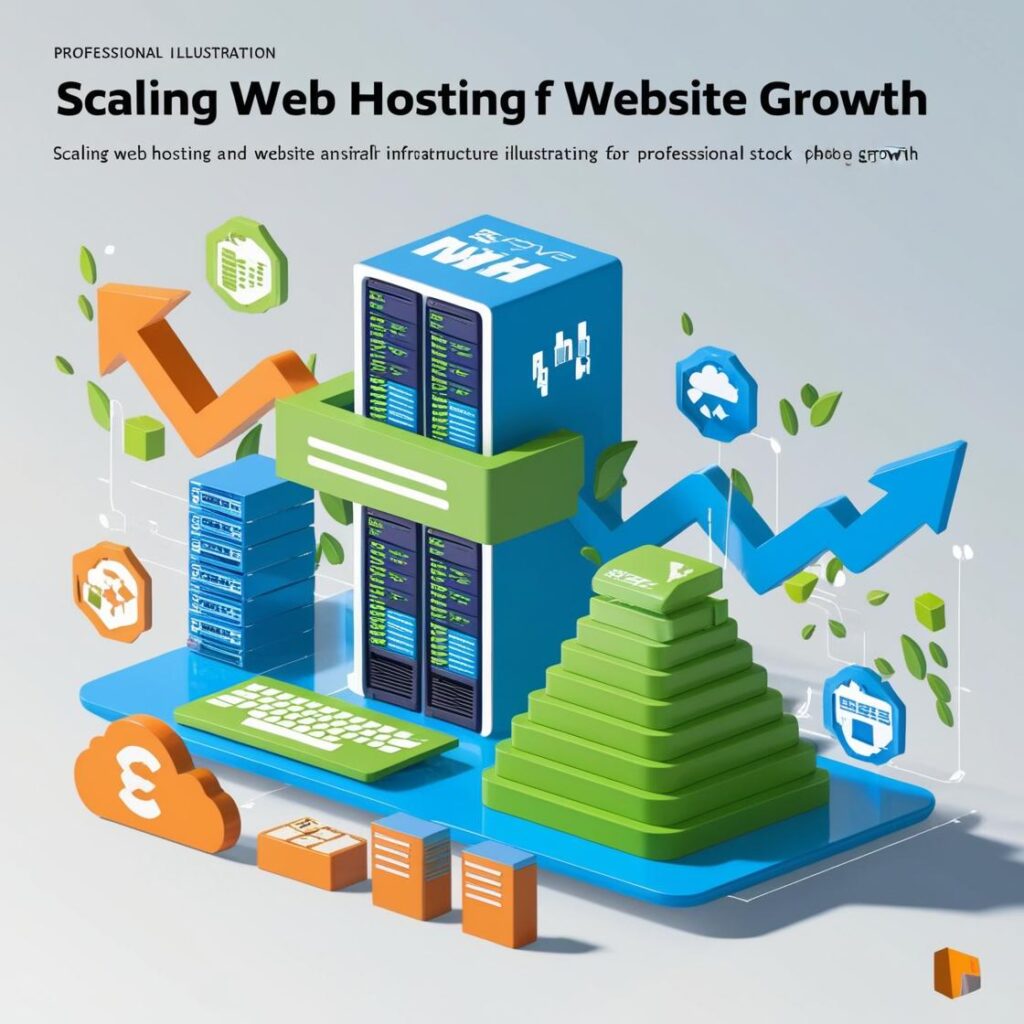
As your website expands and requires more resources, it is critical to increase your hosting to ensure optimal performance and user experience. Below, you will find a step-by-step approach to scaling your website effectively:
1. Evaluate the Limitations of your Current Hosting
- Available resources: Examine the CPU, RAM, bandwidth and disk space usage in your current plan.
- Performance: If you experience slow load times or frequent crashes, it is an indication that you need a more robust plan.
- Restrictions: Shared hosting services tend to have strict limits on the number of simultaneous visitors or running processes.
2. Vertical Scaling: Improve your current plan
- Upgrade to a higher plan within your current provider: If you are on a shared hosting, consider migrating to a premium hosting with more resources.
- Benefits: It is simple, does not require significant technical changes, and can be a temporary solution in case of moderate growth.
- Limits: This procedure has a ceiling; should your traffic continue to increase, you will need more advanced alternatives.
3. Horizontal Scaling: Migration to More Scalable Solutions
- Migration to VPS (Virtual Private Server): A VPS gives you control over dedicated resources, greater flexibility and better performance. It is ideal for sites with medium to high traffic.
- Cloud Hosting: Flexible scalability allows resources to be scaled up or down depending on demand. Application providers such as AWS, Google Cloud and DigitalOcean offer pay-as-you-go solutions.
- Dedicated server: An alternative for sites with massive traffic or complex applications. It has all the server resources, but is more expensive and requires technical administration.
4. Use a CDN (Content Delivery Network)
- One CDN, such as Cloudflare o Akamai, distributes your site's static content (images, CSS, JavaScript) through a network of global servers.
- This decreases the load on your main server and improves loading speed for users in different locations.
5. Optimize Your Site Before Scaling
- Reduces the load: Implement strategies such as caching, image optimization, script minimization and database cleanup.
- Audit your traffic: Identifies pages or resources that require a greater amount of resources, in order to optimize them.
- Check plugins and functionalities: On platforms such as WordPress, deactivate unnecessary or resource-intensive plugins.
6. Implement Load Balancers
- If moving to a cloud hosting environment or multiple servers, use a load balancer to distribute traffic across multiple servers.
- This prevents bottlenecks and ensures that your site is always available.
7. Consider Containers and Microservices
- Docker y Kubernetes offer innovative solutions for bundling your site into containers or microservices. This allows the scaling of specific components as needed.
8. Automate Scaling
- Cloud hosting providers offer automatic scaling to adjust resources in real time according to traffic. This is ideal for sites with unpredictable peak demand.
9. Monitor Growth and Performance
- It uses tools such as Google Analytics, UptimeRobot, You can also use your hosting provider's control panels to monitor traffic and resource usage.
- Alerts are set up to detect performance problems before they affect users.
10. Plan for the Long Term
- As your website expands, consider integrating with more robust enterprise solutions, such as server clusters or virtual private networks.
- Evaluate their needs on a regular basis to prevent housing problems from limiting your development.
By following these steps, you can ensure that your website remains fast, stable and ready to handle increased traffic and demand as it scales.
Learn more http://Datasystem.es or in https://repararmac.eu/wp-admin/post.php?post=3661&action=edit