
Connecting an internal network to the Internet securely and efficiently requires several configuration steps and technical elements to ensure communication and data flow. Below, I explain the main concepts and fundamental steps:
1. DNS (Domain Name System)
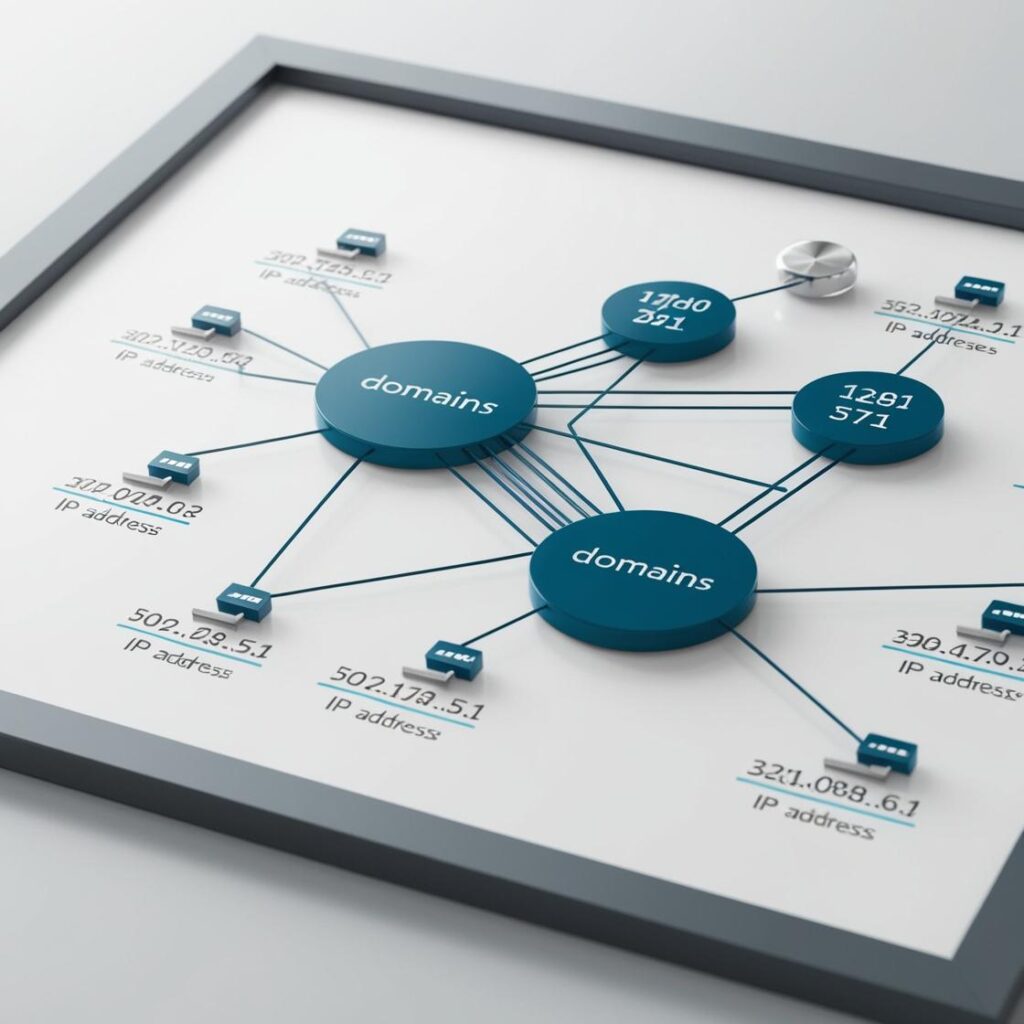
- Domains (such as Microsoft.com) are translated into IP addresses by the DNS, which plays a role as a telephone directory for the network. When a computer wants to connect to an address, it first queries a DNS server to obtain the appropriate IP.
- Configure your computers with a reliable DNS server, such as those from Google (8.8.8.8.8, 8.8.4.4.4) or Cloudflare (1.1.1.1.1), or use an internal DNS server for greater control.
2. NAT (Network Address Translation)
- NAT enables devices on a private network (with internal IP addresses) to connect to the outside using a private IP connection. A device with NAT intercepts outgoing traffic and sends it to the destination on behalf of the original device, ensuring the security of internal addresses.
- Configure the NAT protocol on your router so that private addresses (such as those in the 192.168.x.x range) can access the Internet through the device's public address.
3. Firewall and Security
- It is essential to protect the internal network from unauthorized access. Firewall systems analyze traffic and allow or block connections according to established rules.
- Guidelines are set up in the firewall in order to filter inbound and outbound ports and IP addresses. For example, you can block sensitive ports or allow only certain services (such as HTTP/HTTPS) from the external network.
4. Gateway and Routes
- Configure the internal network router (or gateway) to be the primary connection to the Internet. Ensure that each device has the appropriate gateway to provide traffic to the router.
- If you have several subnets, set up static routes on your router so that traffic flows properly between them.
5. Proxy (Optional)
- A proxy server can act as an intermediary for connections, improving security and performance by caching and filtering content.
- The proxy can be used on the router or on specific devices in order to control and monitor web traffic, particularly useful in enterprise networks.
6. IPv6 vs IPv4
- If your Internet Service Provider (ISP) accepts IPv6, consider adding it to your network, as migration to IPv6 is increasingly relevant for accessing certain services and optimizing network scalability.
- Configure both protocols in parallel if possible (dual stack) for a better connection.
7. Configuration of Public and Private IPs
- Make sure you have a public IP assigned by your ISP in case you want certain services to be available externally. For internal services, use private IP addresses (e.g. in the 192.168.x.x.x or 10.x.x.x.x ranges).
These components together allow internal devices to connect to the Internet while maintaining a layer of security and efficiency in the network.
Learn more http://Datasystem.es or in https://repararmac.eu/wp-admin/post.php?post=3661&action=edit